Data Synchronization Config
This document focuses on how to use different data synchronization strategies. Data synchronization refers to the strategy used to synchronize data to ShenYu gateway after shenyu-admin background operation data. ShenYu gateway currently supports ZooKeeper, WebSocket, HTTP Long Polling, Nacos, Etcd and Consul for data synchronization.
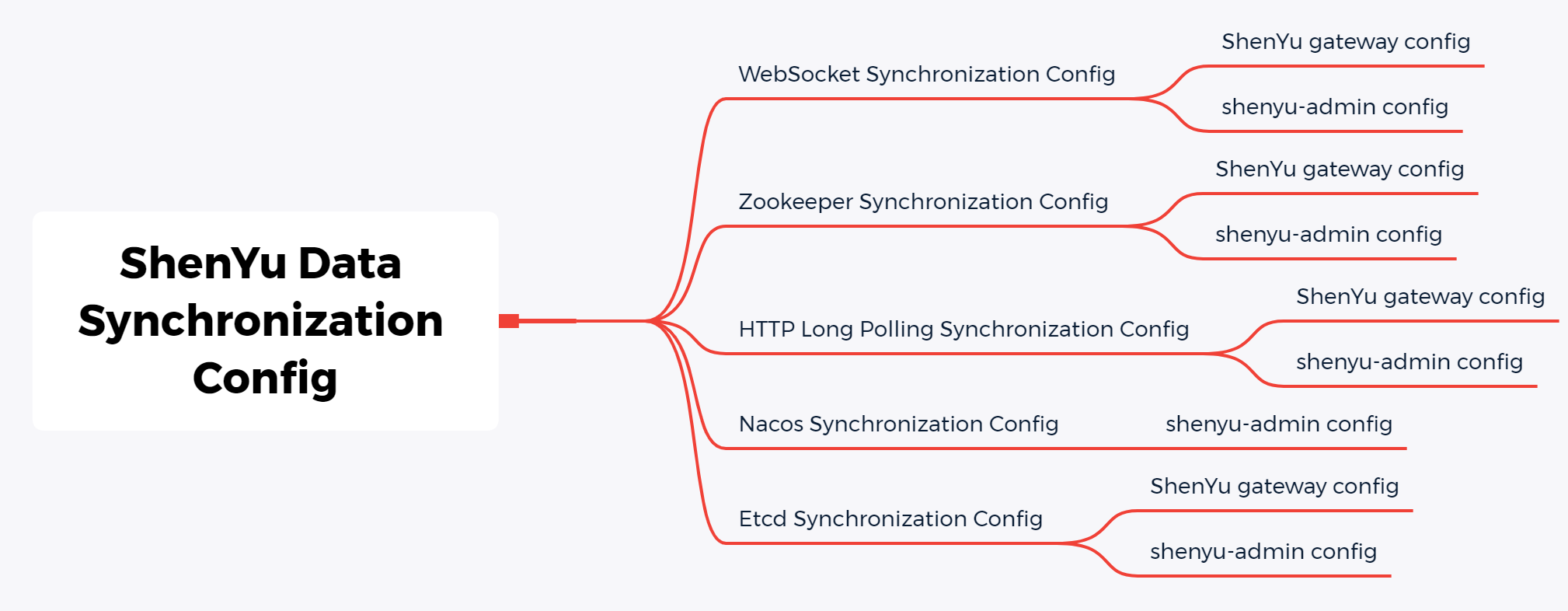
For details about the data synchronization principles, see Data Synchronization Design in the design document.
WebSocket Synchronization Config(default strategy, recommend)
-
Apache ShenYugateway configAdd these dependencies in
pom.xml:
    <!-- apache shenyu data sync start use websocket-->
    <dependency>
        <groupId>org.apache.shenyu</groupId>
        <artifactId>shenyu-spring-boot-starter-sync-data-websocket</artifactId>
        <version>${project.version}</version>
    </dependency>
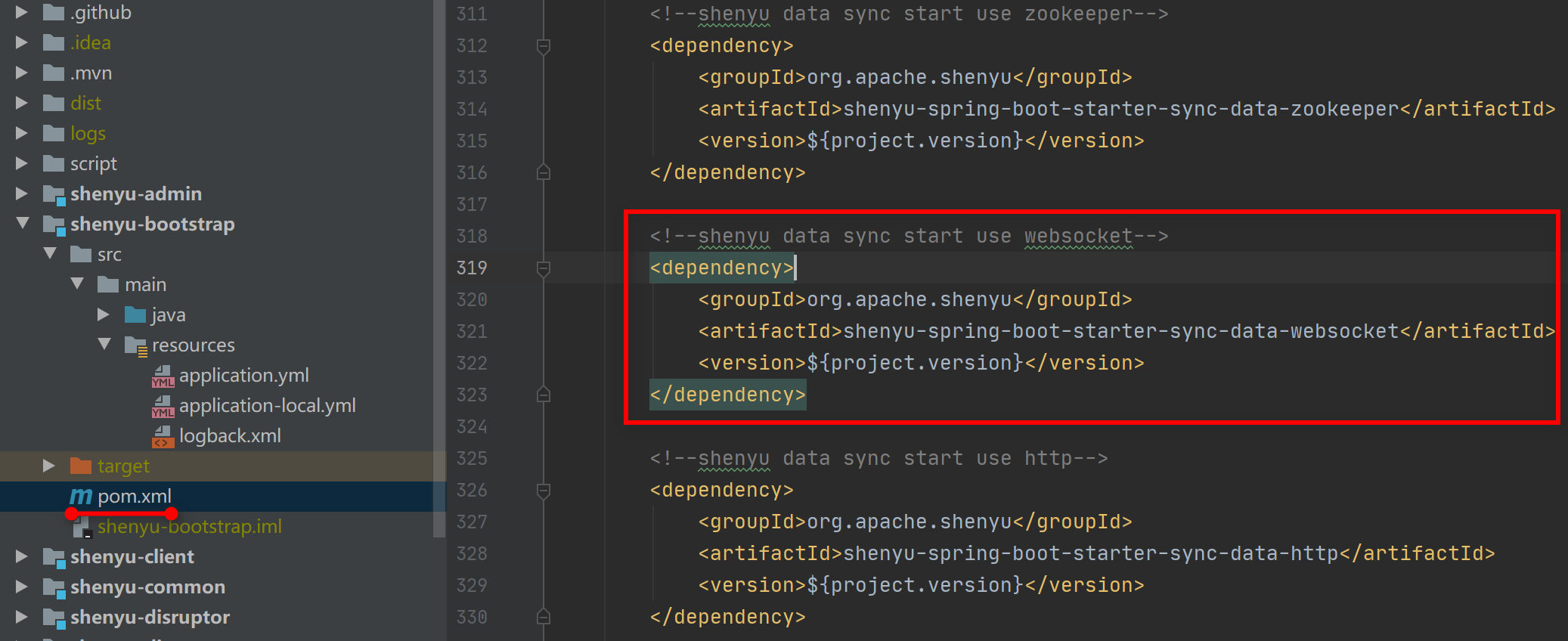
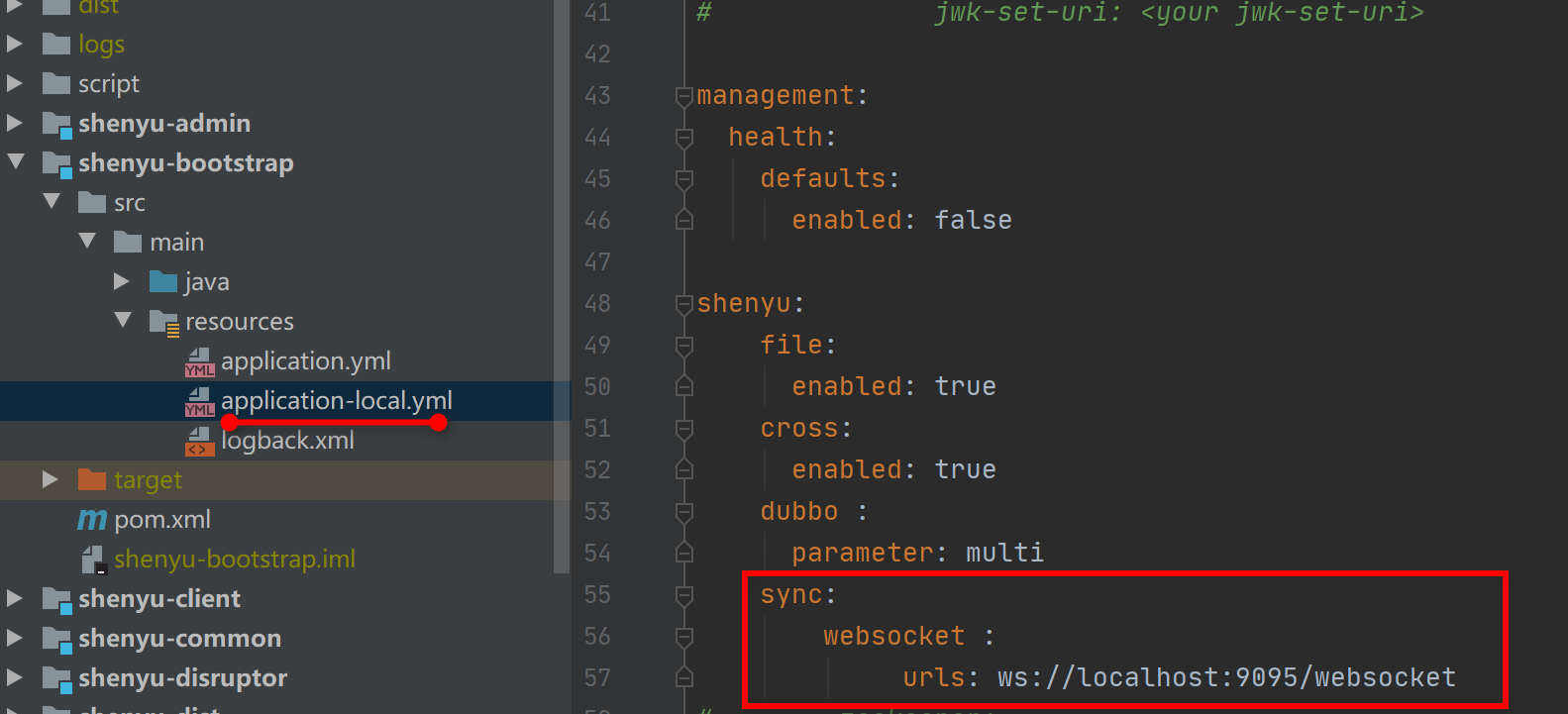
Add these config values in yaml file:
shenyu:
  sync:
    websocket :
      # urls: address of shenyu-admin,multi-address will be separated with (,).
      urls: ws://localhost:9095/websocket
      allowOrigin: ws://localhost:9195
-
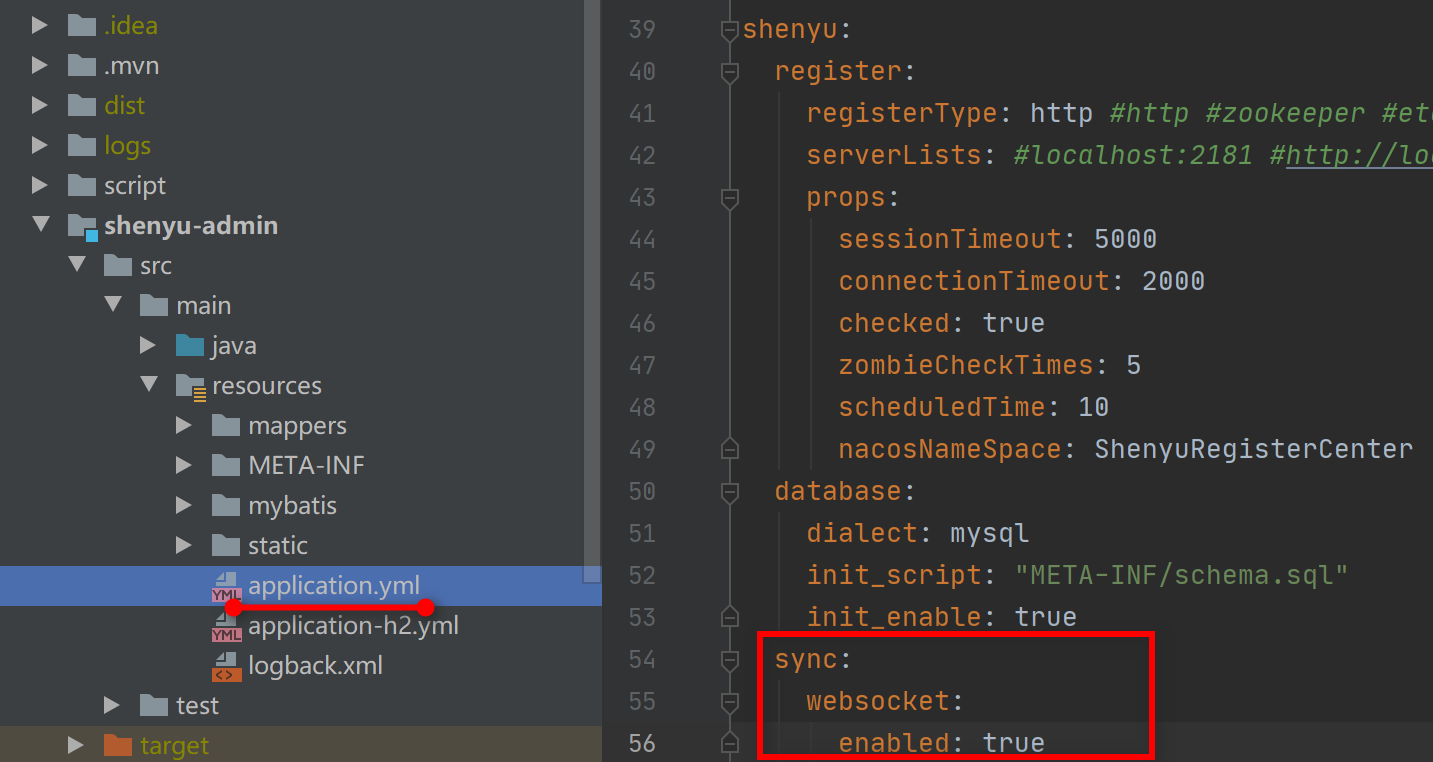
shenyu-adminconfigAdd these config values in yaml file:
shenyu:
  sync:
    websocket:
      enabled: true
After the connection is established, the data will be fully obtained once, and the subsequent data will be updated and added increments, with good performance. It also supports disconnection (default: 30 seconds). This mode is recommended for data synchronization and is the default data synchronization strategy of ShenYu.
Zookeeper Synchronization Config
Please pay attention! From ShenYu 2.5.0, ShenYu will no longer support Zookeeper 3.4.x or below version. If you're already using Zookeeper, You need to use Zookeeper with a higher version and initialize the data.
-
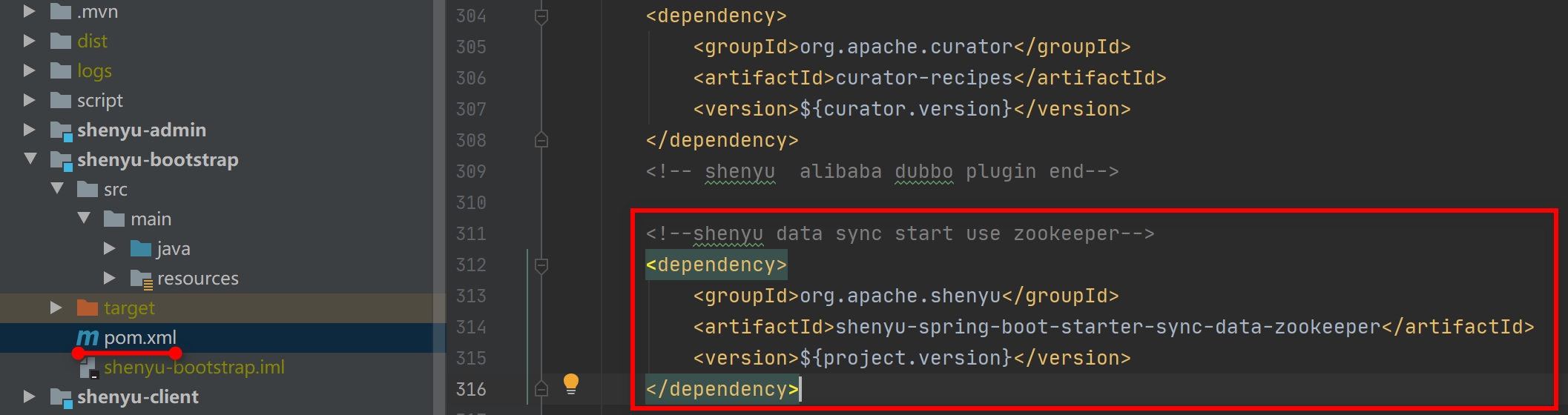
Apache ShenYugateway configAdd these dependencies in
pom.xml:
       <!-- apache shenyu data sync start use zookeeper-->
       <dependency>
           <groupId>org.apache.shenyu</groupId>
           <artifactId>shenyu-spring-boot-starter-sync-data-zookeeper</artifactId>
           <version>${project.version}</version>
       </dependency>
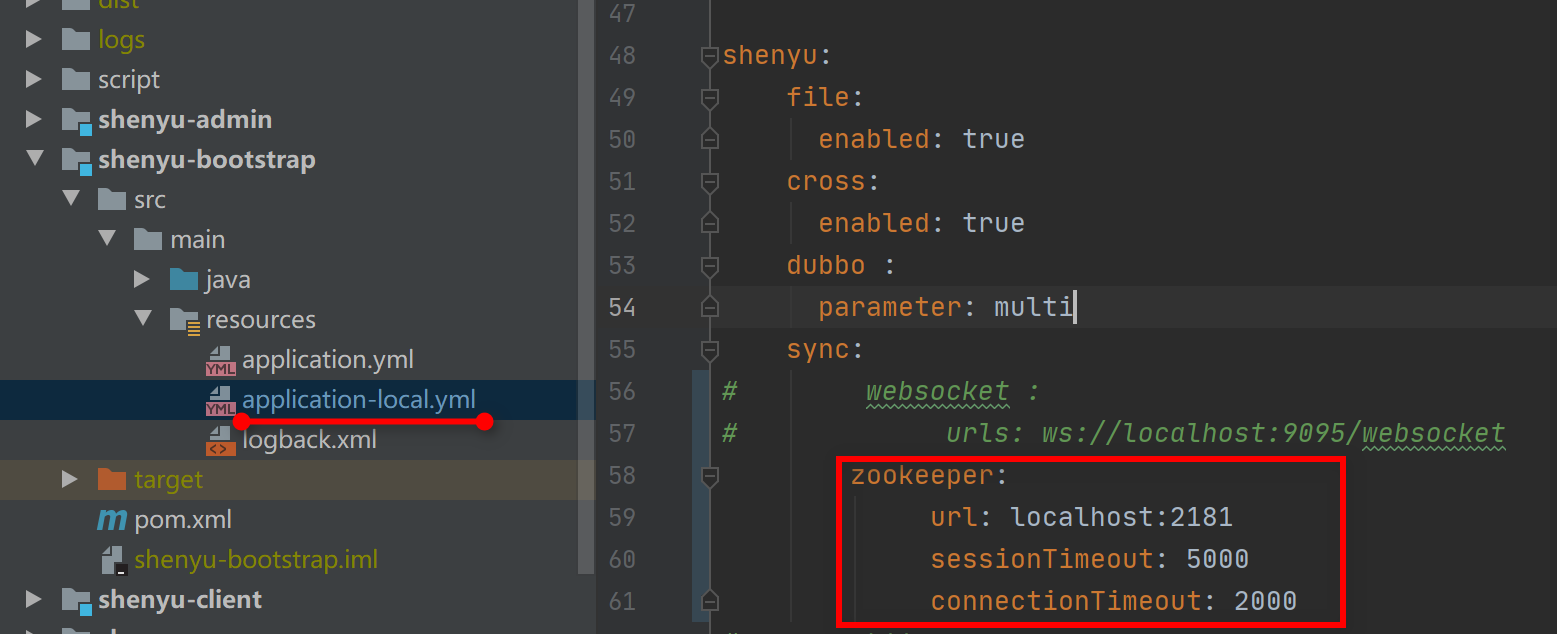
Add these config values in yaml file:
shenyu:
  sync:
    zookeeper:
      url: localhost:2181
       #url: config with your zk address, used by the cluster environment, separated with (,).
      sessionTimeout: 5000
      connectionTimeout: 2000
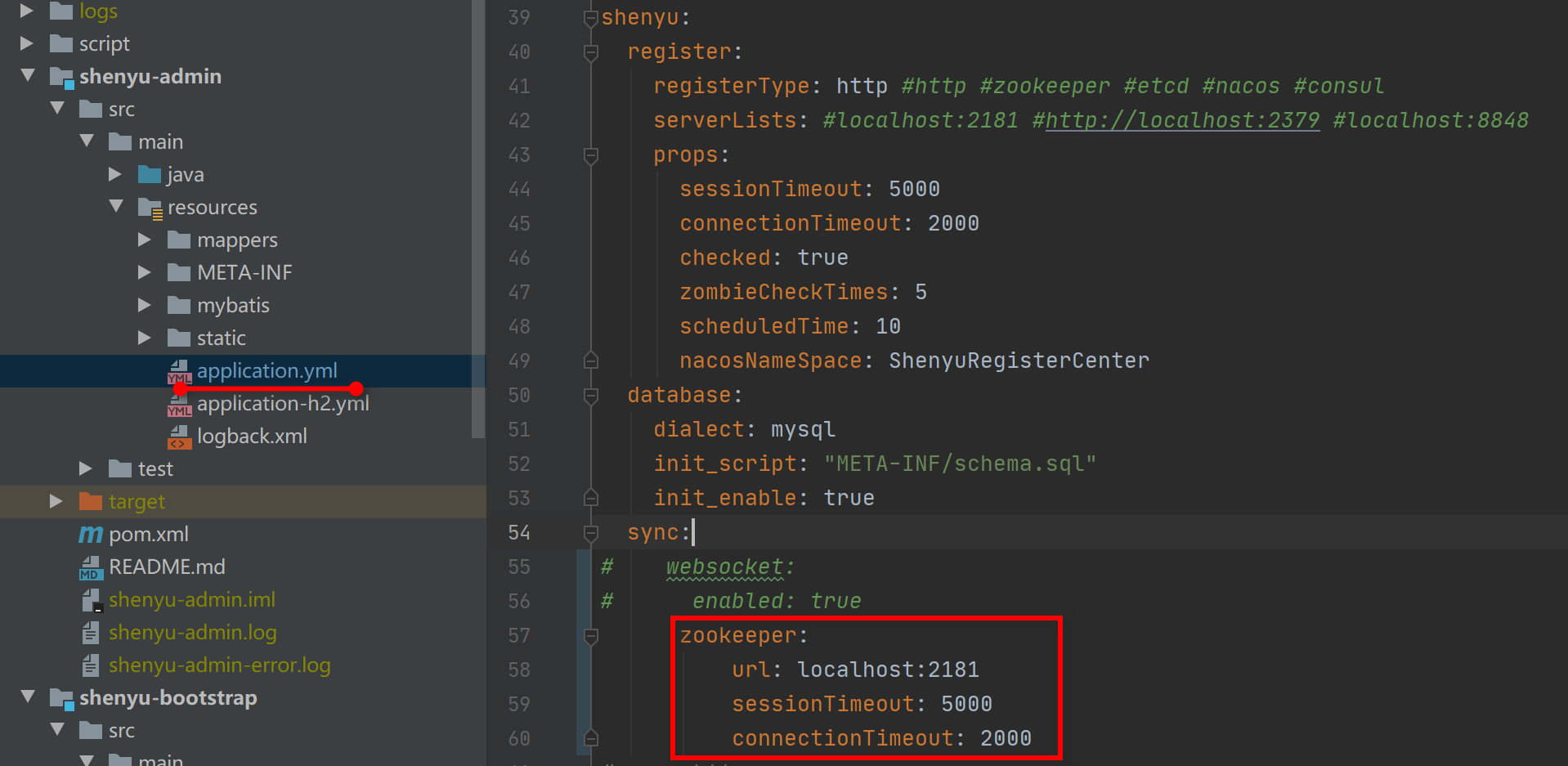
shenyu-adminconfig
Add these config values in yaml file:
shenyu:
  sync:
    zookeeper:
      url: localhost:2181
       #url: config with your zk address, used by the cluster environment, separated with (,).
      sessionTimeout: 5000
      connectionTimeout: 2000
It is a good idea to use ZooKeeper synchronization mechanism with high timeliness, but we also have to deal with the unstable environment of ZK, cluster brain splitting and other problems.
HTTP Long Polling Synchronization Config
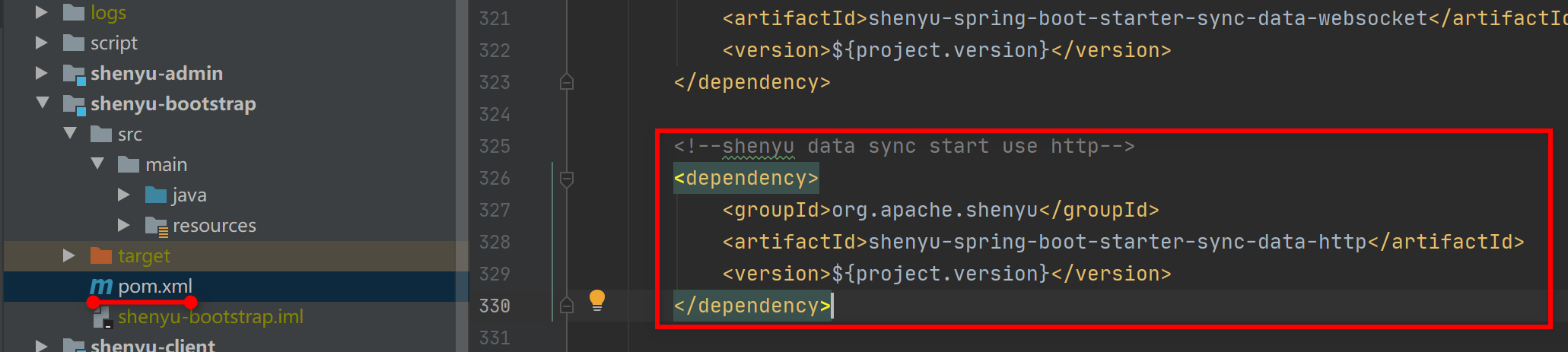
Apache ShenYugateway config
Add these dependencies in pom.xml:
        <!-- apache shenyu data sync start use http-->
        <dependency>
            <groupId>org.apache.shenyu</groupId>
            <artifactId>shenyu-spring-boot-starter-sync-data-http</artifactId>
            <version>${project.version}</version>
        </dependency>
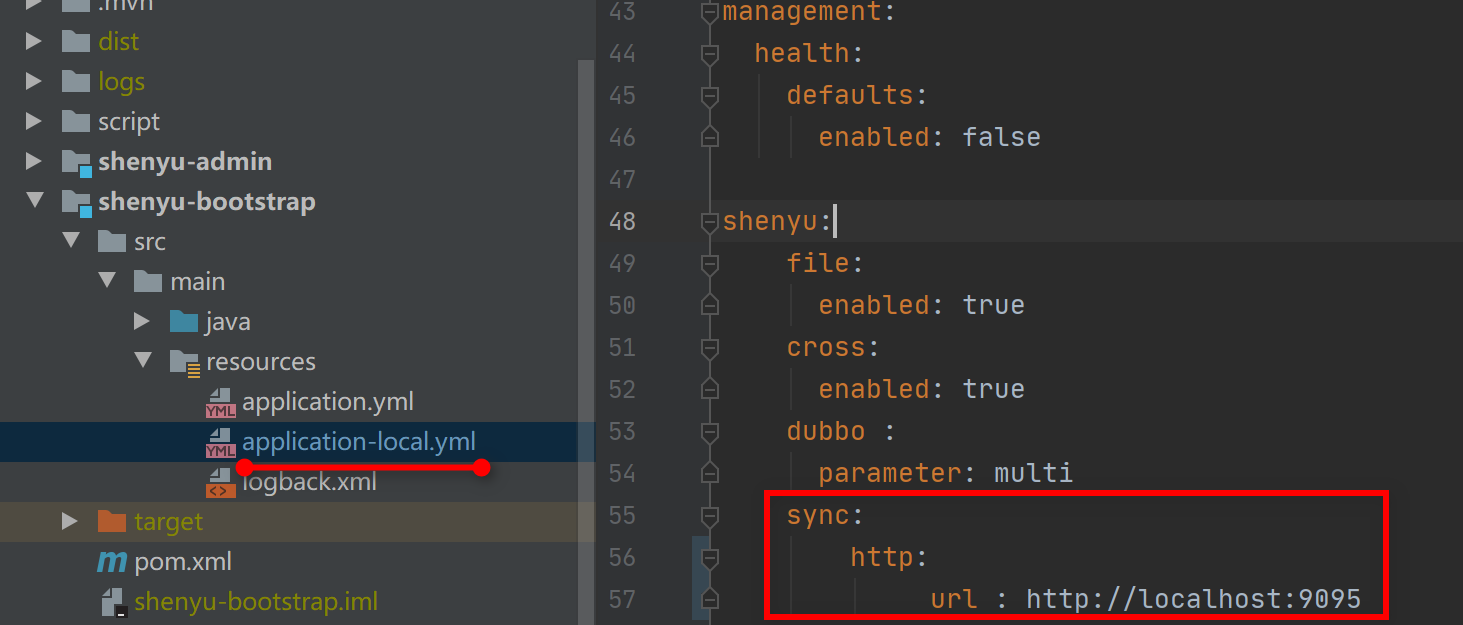
Add these config values in yaml file:
shenyu:
    sync:
        http:
             url: http://localhost:9095
        #url: config your shenyu-admin  ip and port,cluster IP by split by (,)
-
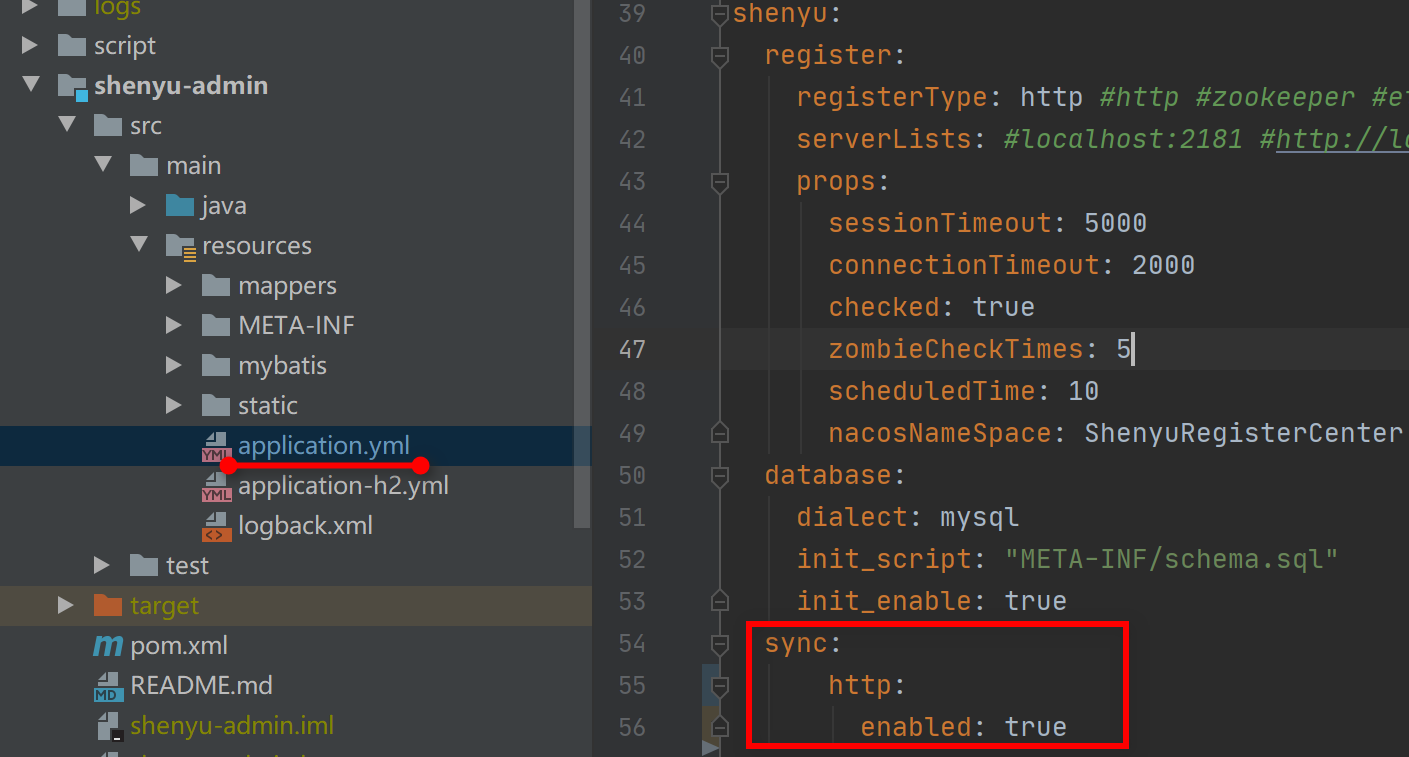
shenyu-adminconfigAdd these config values in yaml file:
shenyu:
  sync:
    http:
      enabled: true
HTTP long-polling makes the gateway lightweight, but less time-sensitive. It pulls according to the group key, if the data is too large, it will have some influences, a small change under a group will pull the entire group.
Nacos Synchronization Config
Apache ShenYugateway config
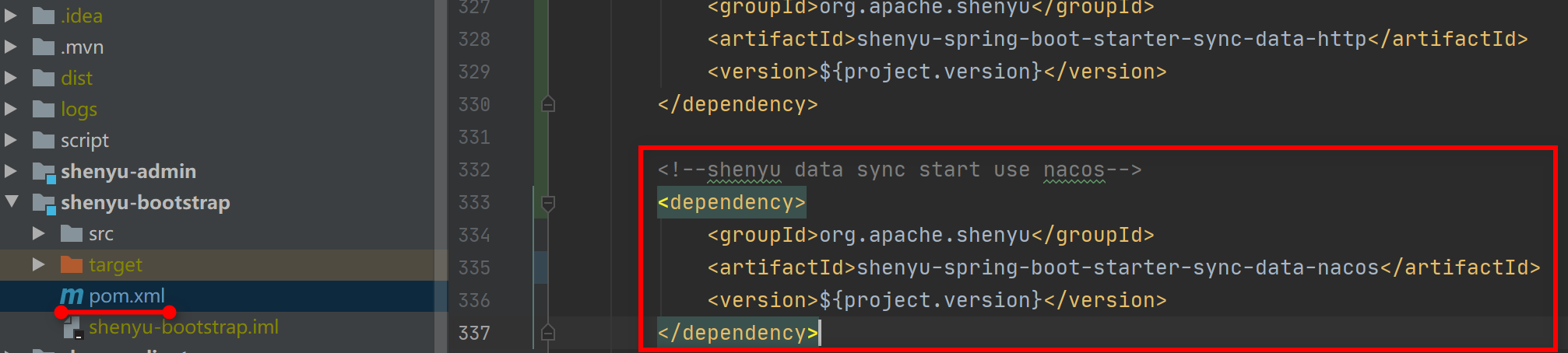
Add these dependencies in pom.xml:
        <!-- apache shenyu data sync start use nacos-->
        <dependency>
            <groupId>org.apache.shenyu</groupId>
            <artifactId>shenyu-spring-boot-starter-sync-data-nacos</artifactId>
            <version>${project.version}</version>
        </dependency>
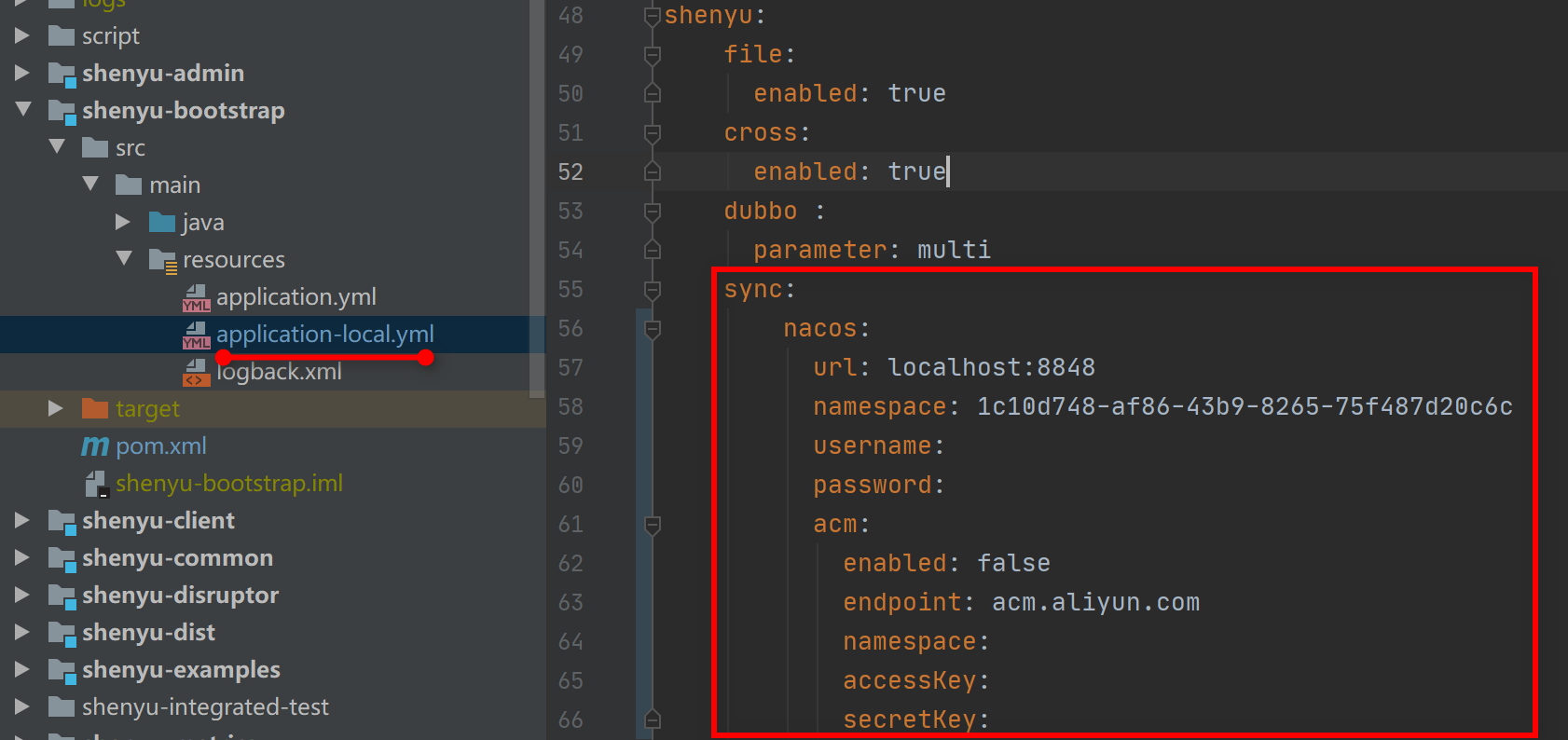
Add these config values in yaml file:
shenyu:
  sync:
    nacos:
      url: localhost:8848
         # url: config with your nacos address, please use (,) to split your cluster environment.
      namespace: 1c10d748-af86-43b9-8265-75f487d20c6c
      username:
      password:
      acm:
        enabled: false
        endpoint: acm.aliyun.com
        namespace:
        accessKey:
        secretKey:
     # other configure,please refer to the naocs website.
-
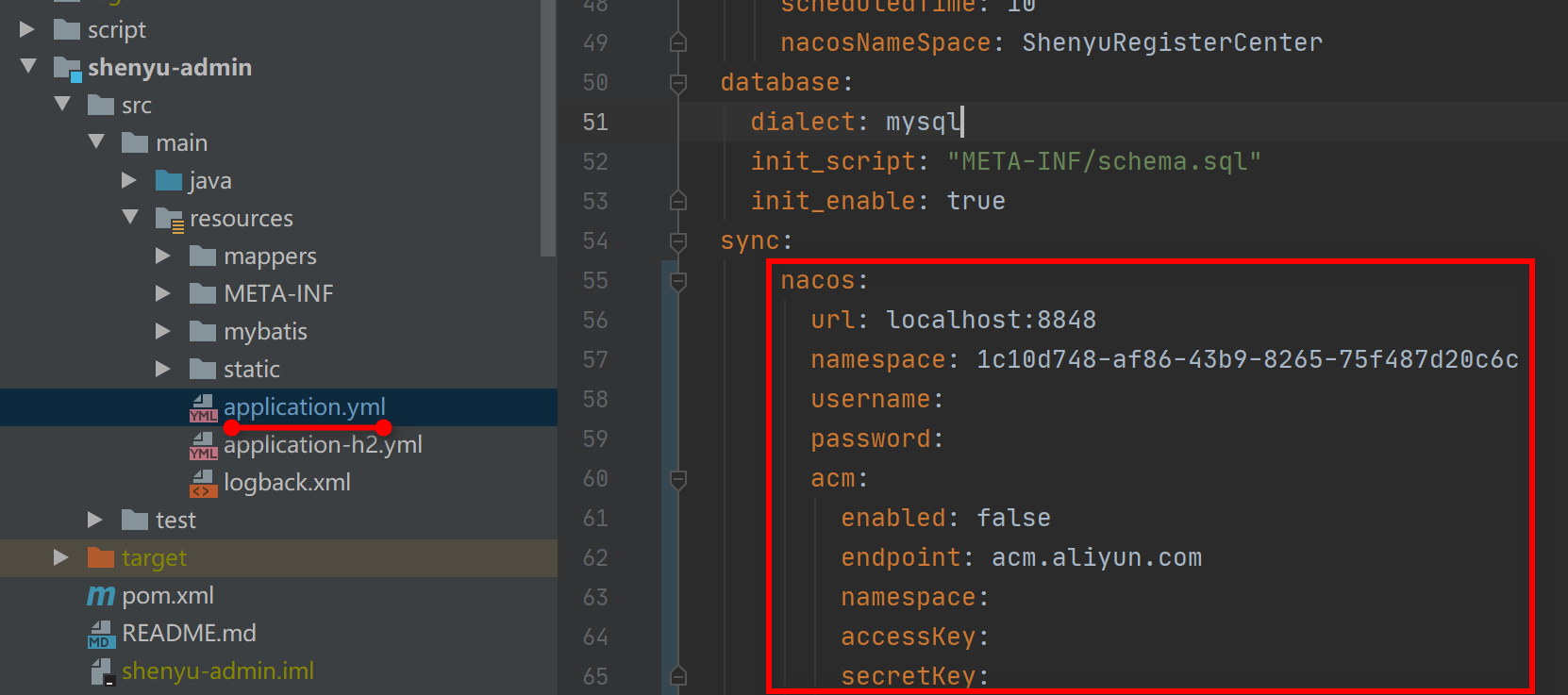
shenyu-adminconfigAdd these config values in yaml file:
shenyu:
  sync:
      nacos:
        url: localhost:8848
        namespace: 1c10d748-af86-43b9-8265-75f487d20c6c
        username:
        password:
        acm:
          enabled: false
          endpoint: acm.aliyun.com
          namespace:
          accessKey:
          secretKey:
        # url: config with your nacos address, pls use (,) to split your cluster environment.
        # other configure,pls refer to the naocs website.
Etcd Synchronization Config
-
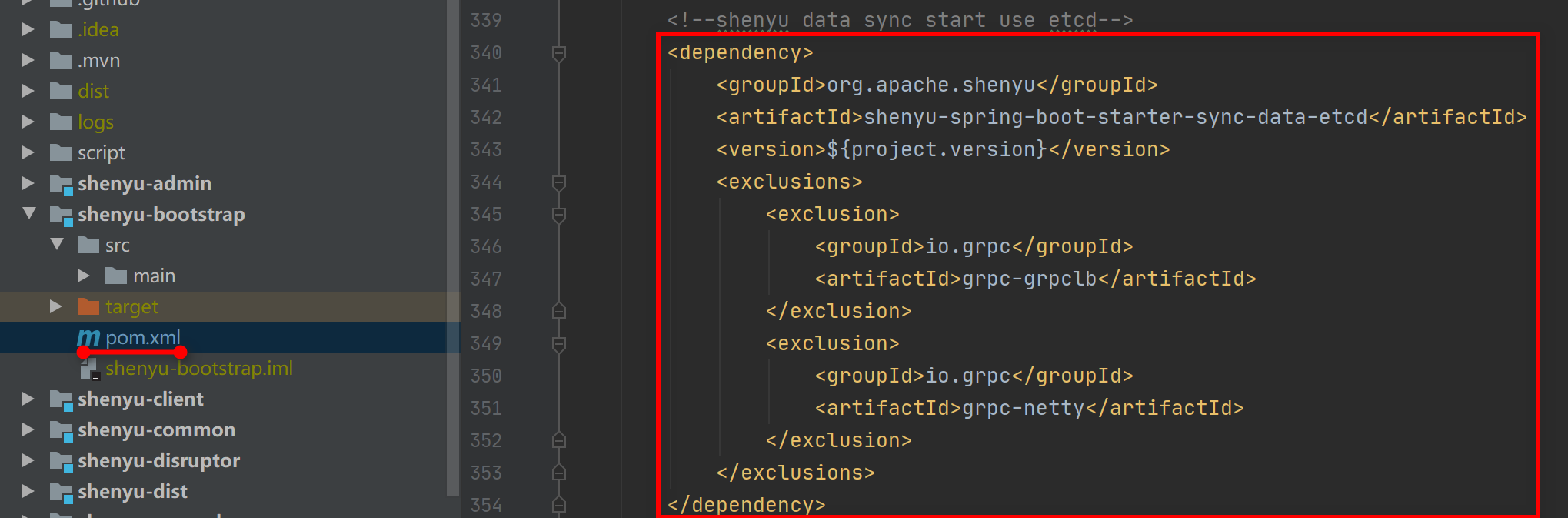
Apache ShenYugateway configAdd these dependencies in
pom.xml:
        <!-- apache shenyu data sync start use etcd-->
        <dependency>
            <groupId>org.apache.shenyu</groupId>
            <artifactId>shenyu-spring-boot-starter-sync-data-etcd</artifactId>
            <version>${project.version}</version>
            <exclusions>
                <exclusion>
                    <groupId>io.grpc</groupId>
                    <artifactId>grpc-grpclb</artifactId>
                </exclusion>
                <exclusion>
                    <groupId>io.grpc</groupId>
                    <artifactId>grpc-netty</artifactId>
                </exclusion>
            </exclusions>
        </dependency>
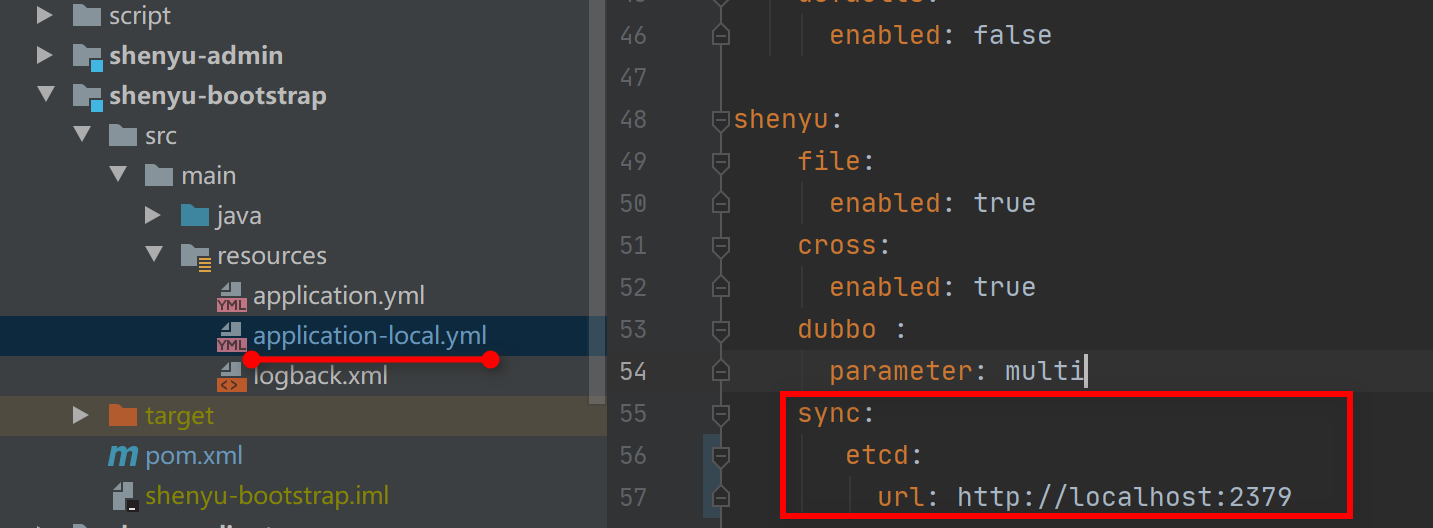
Add these config values in yaml file:
shenyu:
    sync:
       etcd:
         url: http://localhost:2379
       #url: config with your etcd address, used by the cluster environment, separated with (,).
-
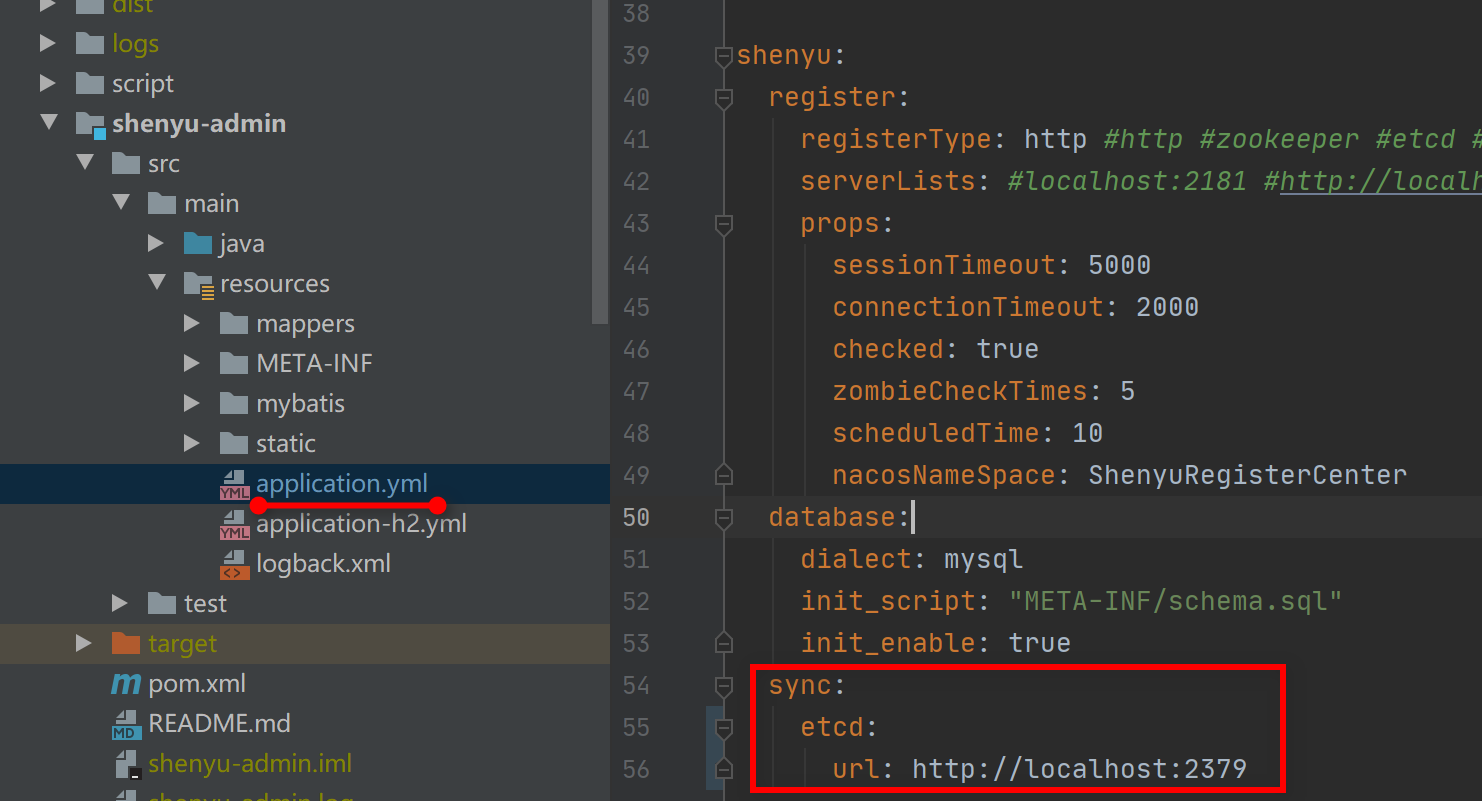
shenyu-adminconfigAdd these config values in yaml file:
shenyu:
  sync:
    etcd:
      url: http://localhost:2379
       #url: config with your etcd address, used by the cluster environment, separated with (,).
Consul Synchronization Config
Apache ShenYugateway config
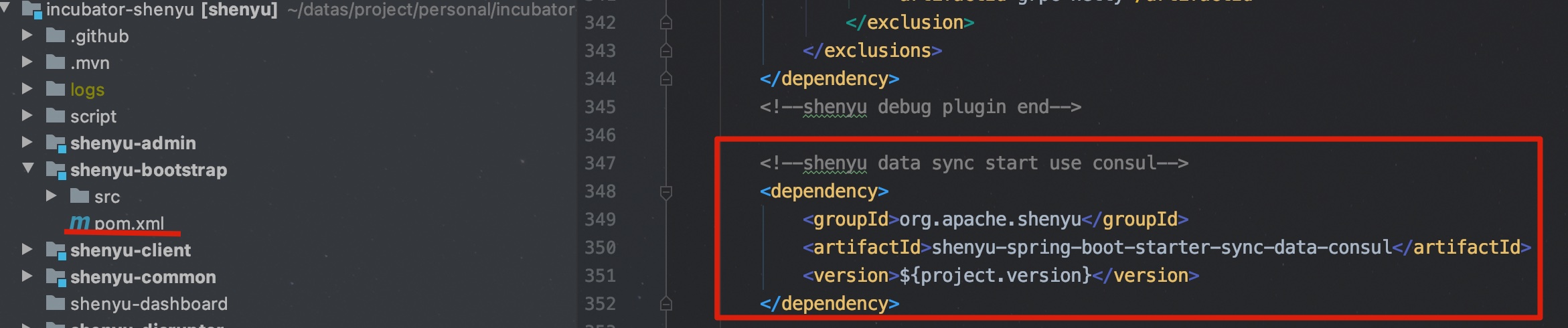
Add these dependencies in pom.xml:
<!-- apache shenyu data sync start use consul-->
<dependency>
  <groupId>org.apache.shenyu</groupId>
  <artifactId>shenyu-spring-boot-starter-sync-data-consul</artifactId>
  <version>${project.version}</version>
</dependency>
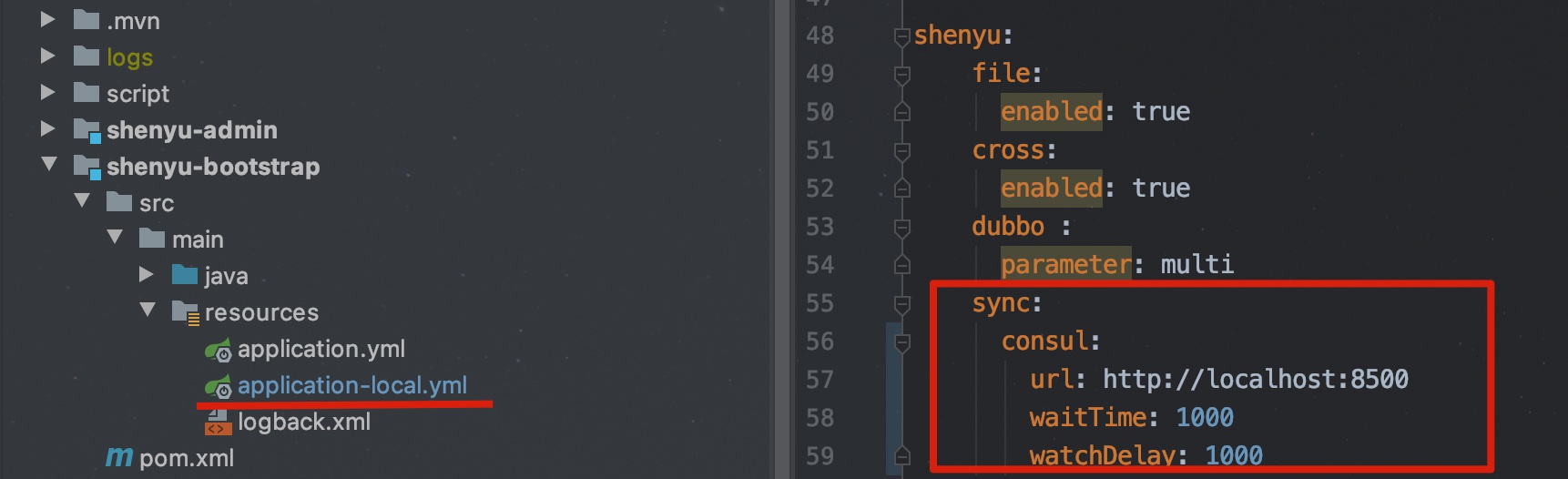
Add these config values in yaml file:
shenyu:
    sync:
      consul:
        url: http://localhost:8500
        waitTime: 1000	# query wait time
        watchDelay: 1000	# Data synchronization interval
-
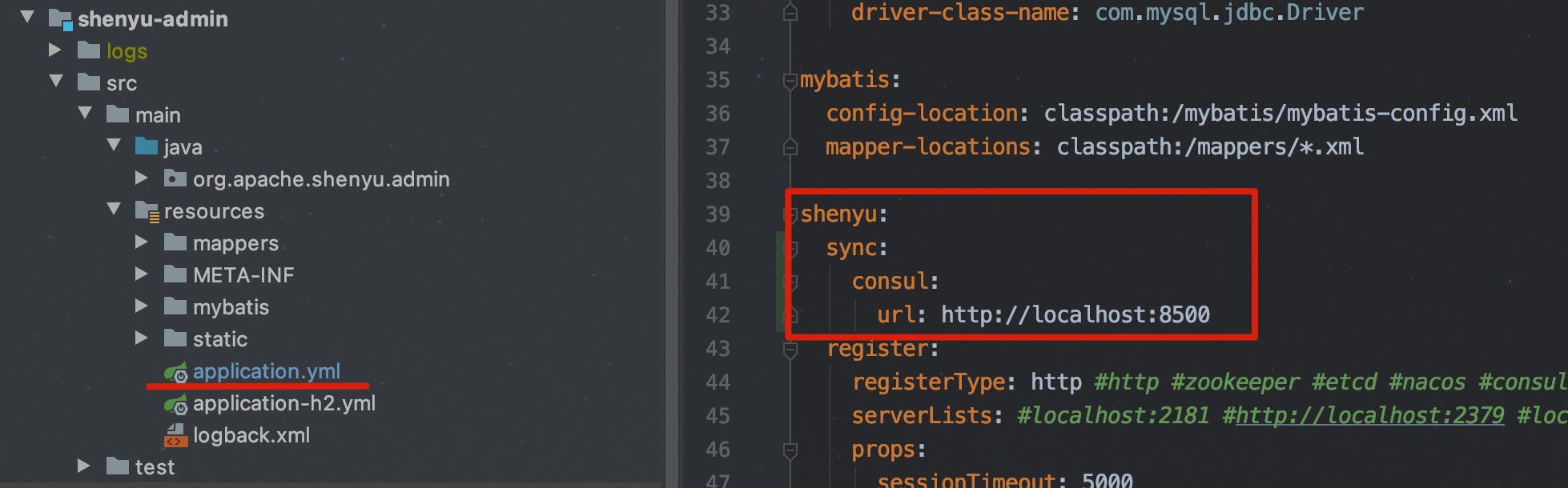
shenyu-adminconfigAdd these config values in yaml file:
shenyu:
  sync:
    consul:
      url: http://localhost:8500
Apollo Synchronization Config
Apollo just support Java [8,17), if you want to use apollo as data sync center, please make sure your JDK version is between [8,17).
Apache ShenYugateway config
Download the corresponding version of the jar package from https://repo1.maven.org/maven2/org/apache/shenyu/shenyu-spring-boot-starter-sync-data-apollo/, and then put the jar package into the /lib directory.
Add these config values in yaml file:
shenyu:
  sync:
    apollo:
    appId: shenyu
    meta: http://localhost:8080
    env: dev
    clusterName: test
    namespace: application
Apache ShenYu Adminconfig
Download the corresponding version of the jar package from https://repo1.maven.org/maven2/org/apache/shenyu/shenyu-admin-listener-apollo/, and then put the jar package into the /lib directory.
shenyu:
  sync:
    apollo:
      meta: http://localhost:8080
      appId: shenyu
      portalUrl: http://localhost:8070
      env: dev
      clusterName: test
      namespace: application
      token: 0fff5645fc74ee5e0d63a6389433c8c8afc0beea31eed0279ecc1c8961d12da9

After the data synchronization strategy of Apache ShenYu gateway and shenyu-admin is reconfigured, the microservice needs to be restarted. the Apache ShenYu gateway and shenyu-admin must use the same synchronization strategy.